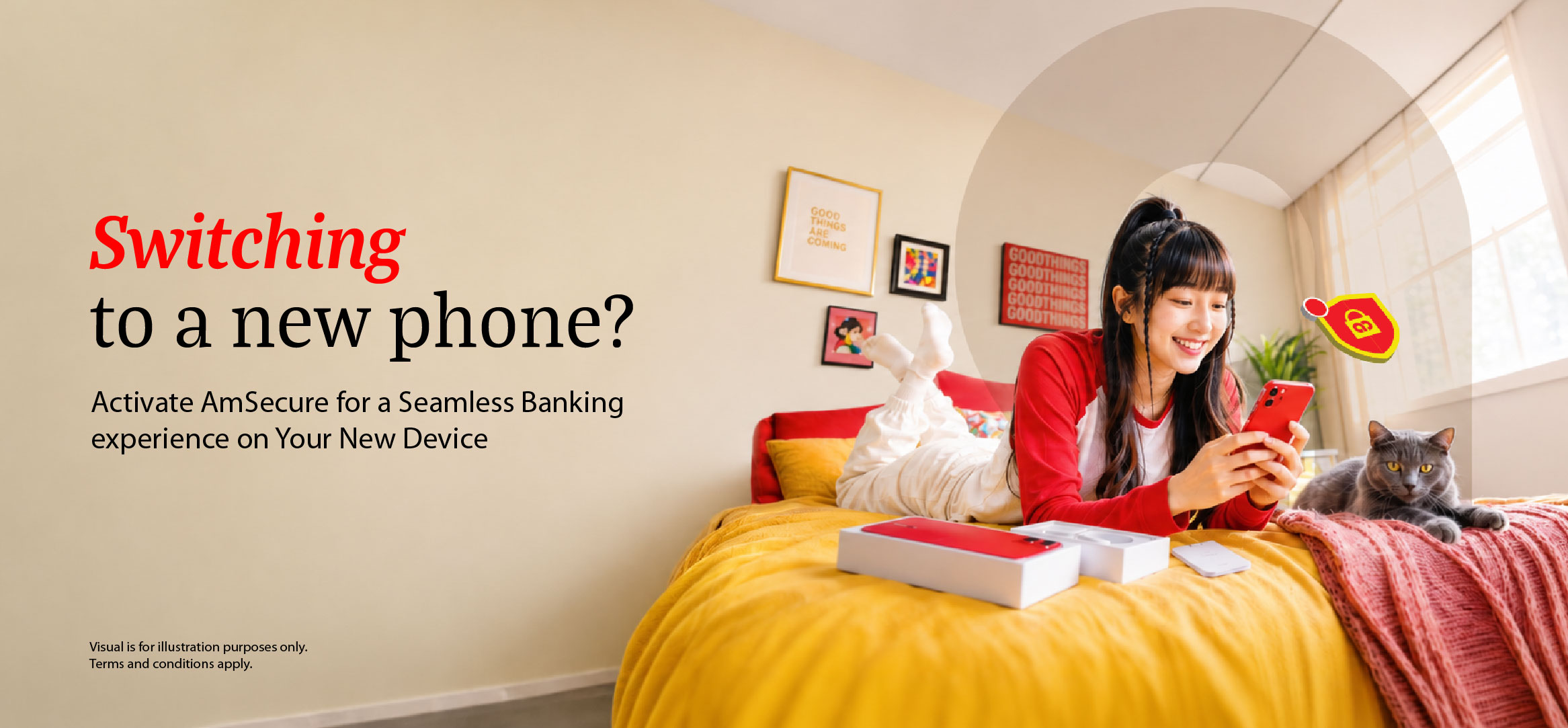
Step 1: Start by downloading AmOnline on your new device and then proceed to log in.

 Download AmOnline App today


Step 2: Remember to Activate AmSecure on your new device to complete your banking experience.
1
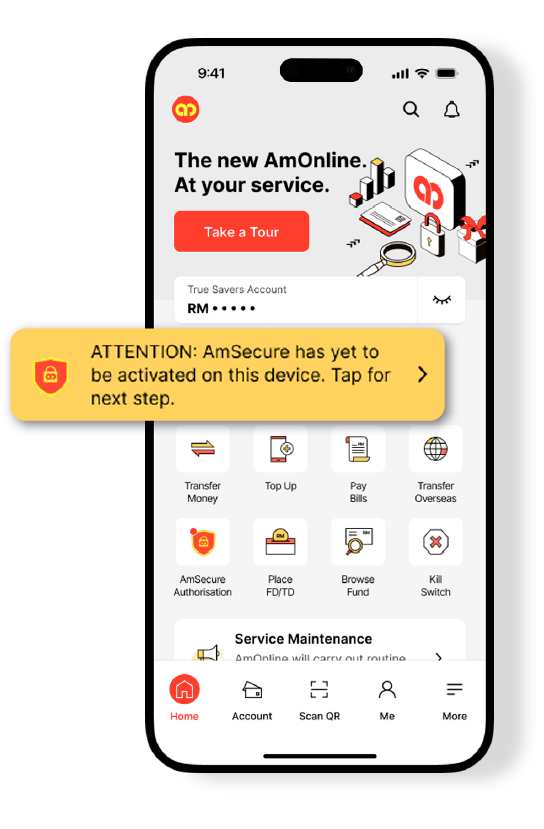
Launch the AmOnline App and tap the ‘Task Bar’ on the main dashboard.
.png?sfvrsn=6f32a0f7_1 "switch device atm (2)")
2
Head to the nearest ATM and follow the steps shown on your phone. Tap on ‘AmSecure Activation’ on the ATM screen.
3
Follow the steps and enter the 6-digit code into the ATM.
Once AmSecure is activated, there will be a 12-hour cooling period. This helps to prevent unauthorised AmSecure activation.
Once AmSecure is activated, there will be a 12-hour cooling period. This helps to prevent unauthorised AmSecure activation.
Forgot your password?
Resetting your AmOnline password on a new device also requires AmSecure activation at any AmBank ATM.
Resetting your AmOnline password on a new device also requires AmSecure activation at any AmBank ATM.
Learn more about AmSecure Activation here.
For more information, please call our Contact Centre at +603-2178 8888, operational daily from 9.00 a.m. to 9.00 p.m. or email to customercare@ambankgroup.com.