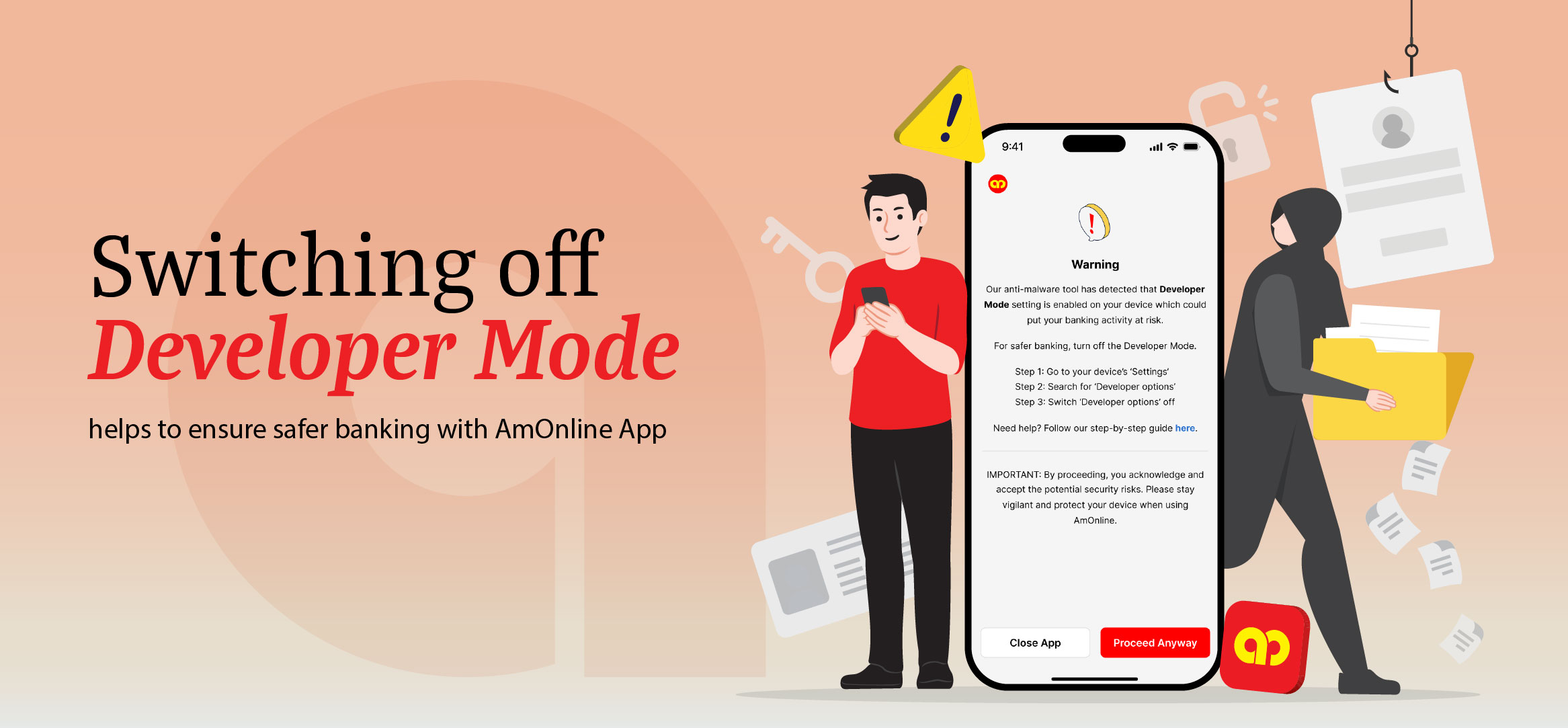
Turn off Developer Mode on your device
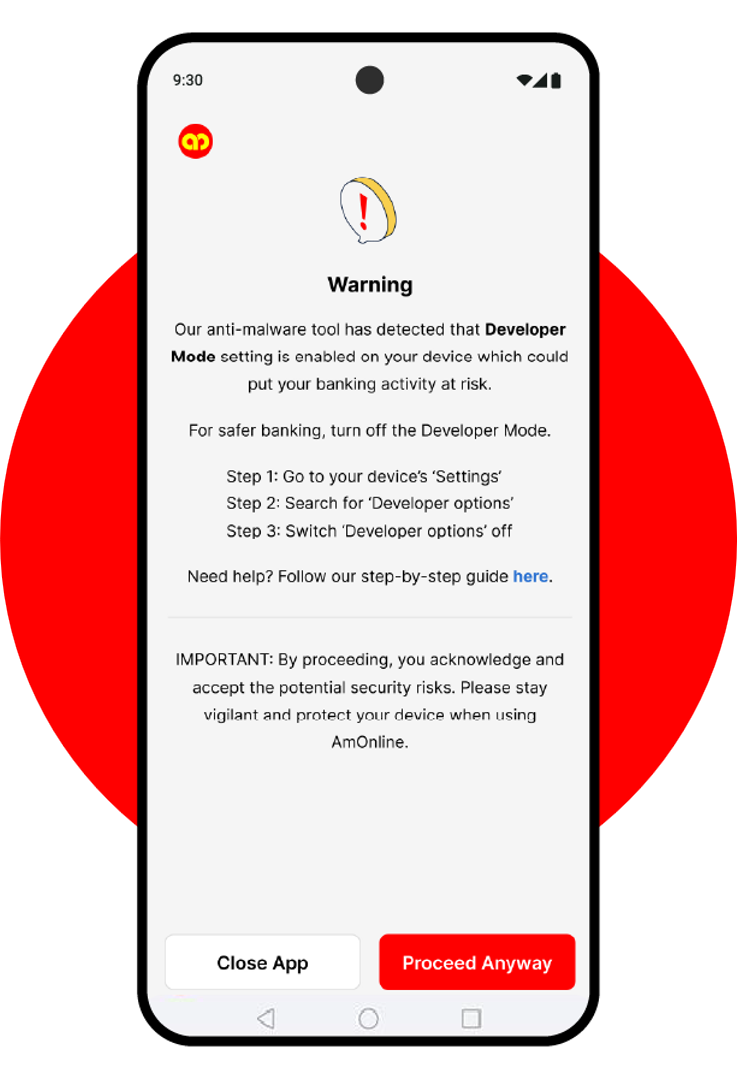
This notification alerts you that Developer Mode is enabled and may put your device at risk. Learn how to stay safe.
What is Developer Mode?
Developer mode unlocks advanced device settings that can reduce security and put AmOnline App at risk.
What happens when Developer Mode is enabled?
Developer Mode can bypass standard security protections while unlocking advanced system settings. This allows unverified or potentially malicious apps to be installed. Turning it off helps protect your device and reduce security risks.
Protect yourself and increase your device’s security
We recommend to turn off Developer Mode on your device by following these steps:
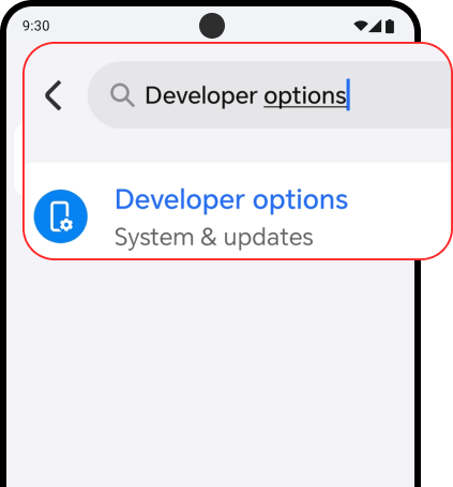
Step 1: Check if Developer Mode is enabled for your device
Go to your device’s settings and search for ‘Developer Mode’ or ‘Developer Options’.
(You will only see this if you have already enabled Developer Mode).
Alternatively, you may search for
- ‘Pilihan pemaju’ in Bahasa Melayu
- ‘开发者选项’ in Mandarin
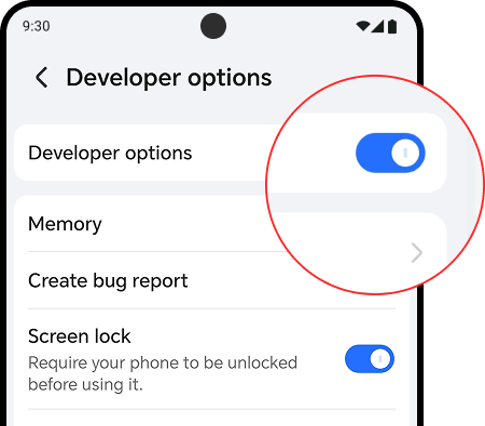
Step 2: Tap to turn off and you are done!
Click here to view the full Frequently Asked Question.